
Pop Up Fabric Display (Displays & Events)
Pricing
| Size | Quantity From | Quantity To | Price |
|---|---|---|---|
| 90" x 90" | 1 | 3 | --- |
| 4 | 10 | --- | |
| 11 | 20 | --- | |
| 21 | 50 | --- | |
| 115" x 90" | 1 | 3 | --- |
| 4 | 10 | --- | |
| 11 | 20 | --- | |
| View More | |||
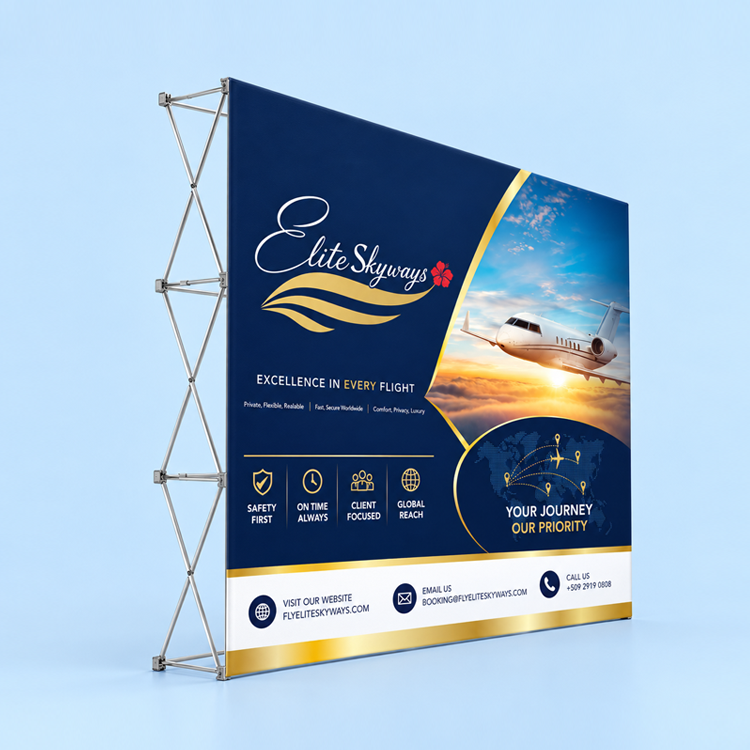
Straight SEG Fabric Pop-Up Display
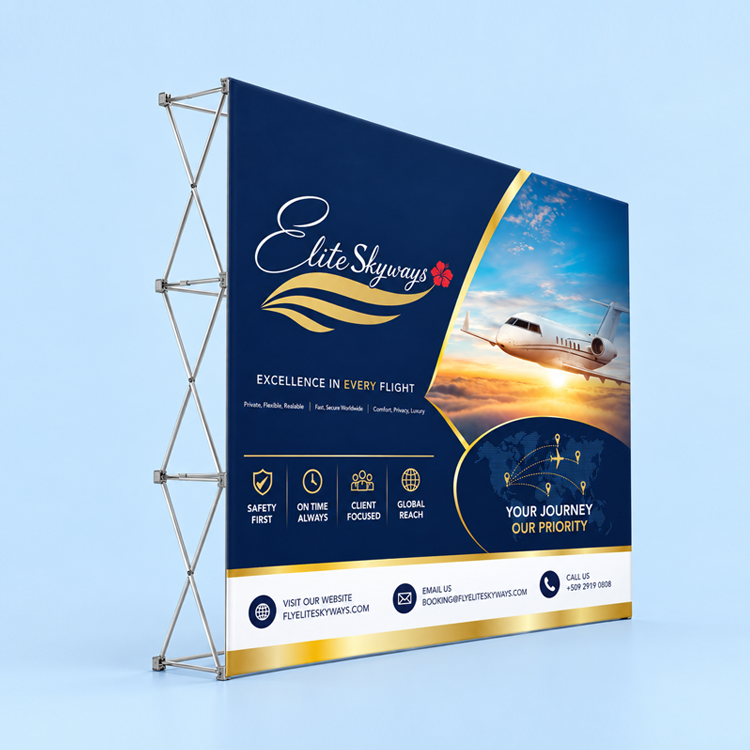
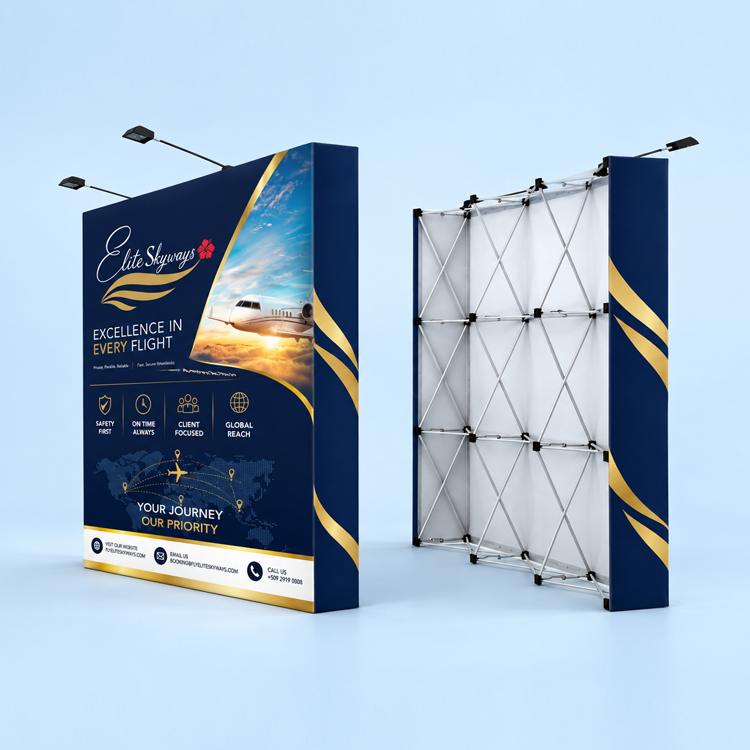
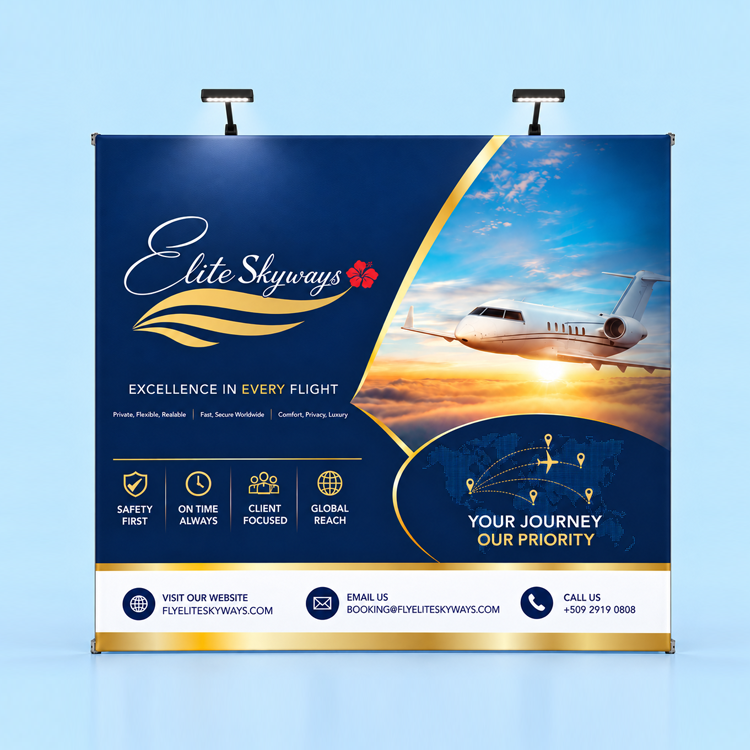
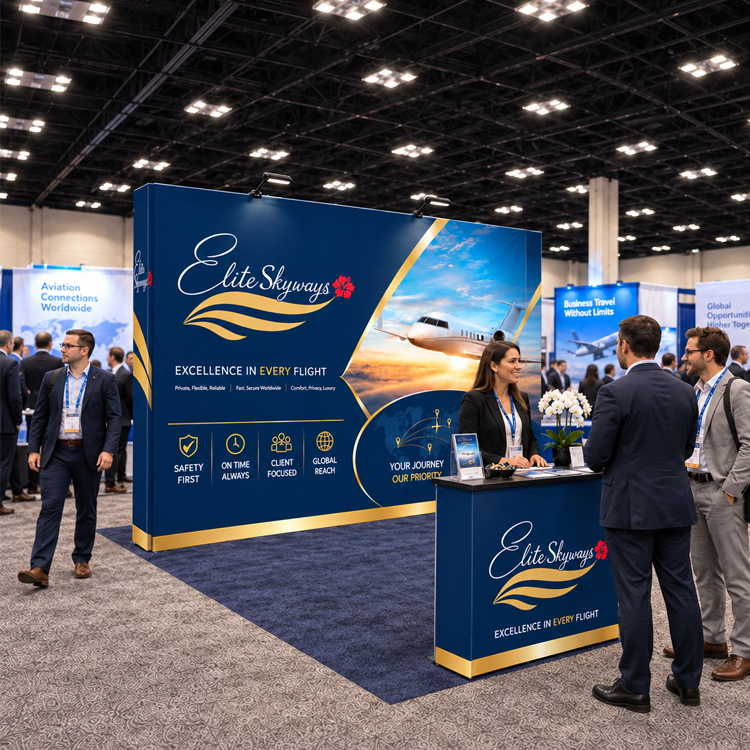
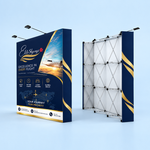
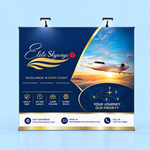
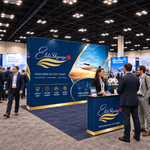
Create a branded backdrop for trade shows, conferences, presentations, photo areas, and retail promotions. This straight pop-up display combines a collapsible frame with a custom printed 8.8 oz SEG fabric graphic for a smooth presentation.
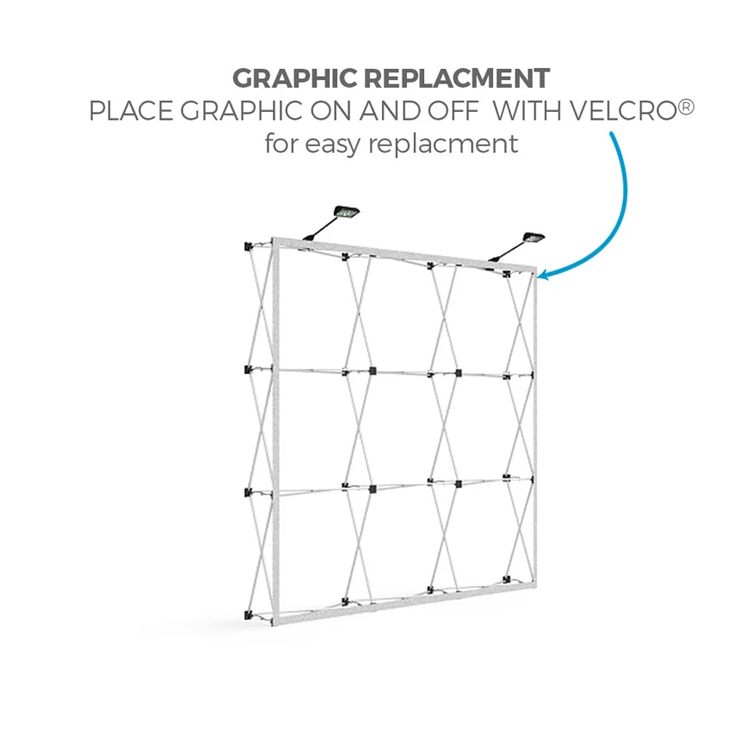
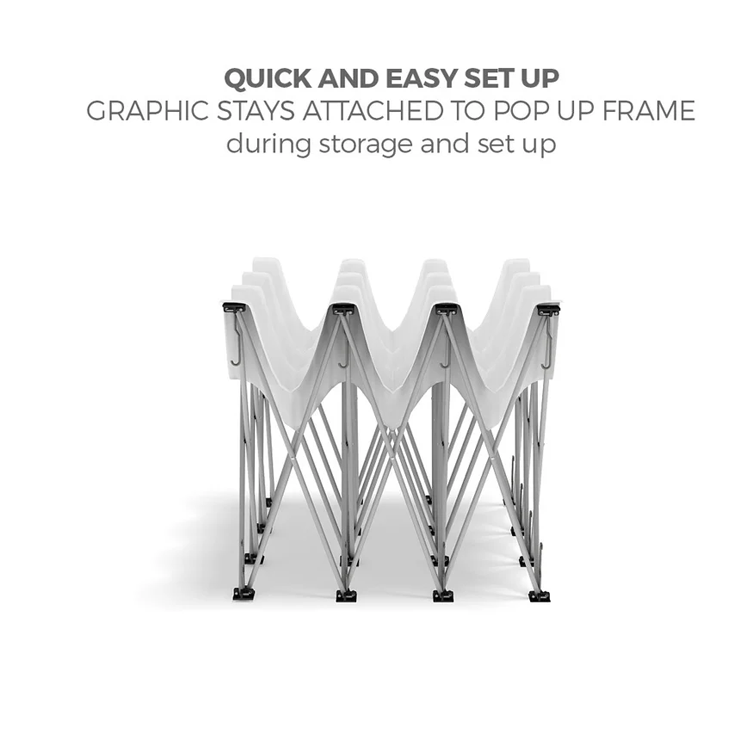
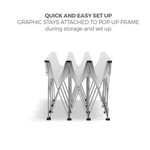
The accordion-style frame expands for setup and collapses for transportation. SEG—silicone edge graphics—uses a silicone strip sewn around the graphic’s edges that fits into the frame’s channels.
Locally Printed in South Florida
Your custom fabric graphics are printed and finished in-house at XpressColor in Lauderdale Lakes, Florida. Local pickup and nationwide shipping are available.
We serve businesses throughout Broward, Miami-Dade, and Palm Beach counties, including exhibitors and attendees visiting South Florida for trade shows, conferences, and events. Have an event deadline? Confirm production and pickup or shipping arrangements before ordering.
Display Options and Sizes
Choose the option that fits your needs:
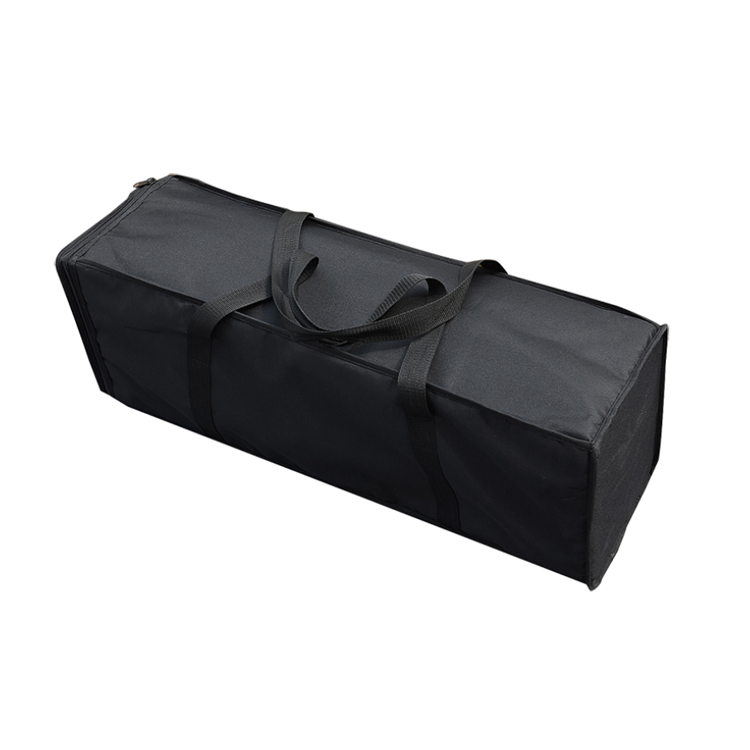
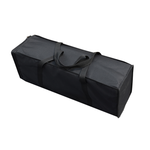
- Frame + Fabric Display: Includes the pop-up frame, custom printed fabric graphic, and soft carrying bag.
- Fabric Replacement Only: Includes the printed replacement graphic. Frame and carrying bag are not included.
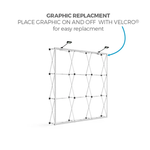
Replacement graphics must match the dimensions and channel system of your existing frame. Contact us before ordering if you are unsure about compatibility.
| Display Size Category | Dimensions |
|---|---|
| Nominal 8 ft | 90 × 90 inches |
| Nominal 10 ft | 115 × 90 inches |
| Nominal 20 ft | 235 × 90 inches |
All three options are 90 inches tall. Use the exact production template for your selected size when preparing artwork.
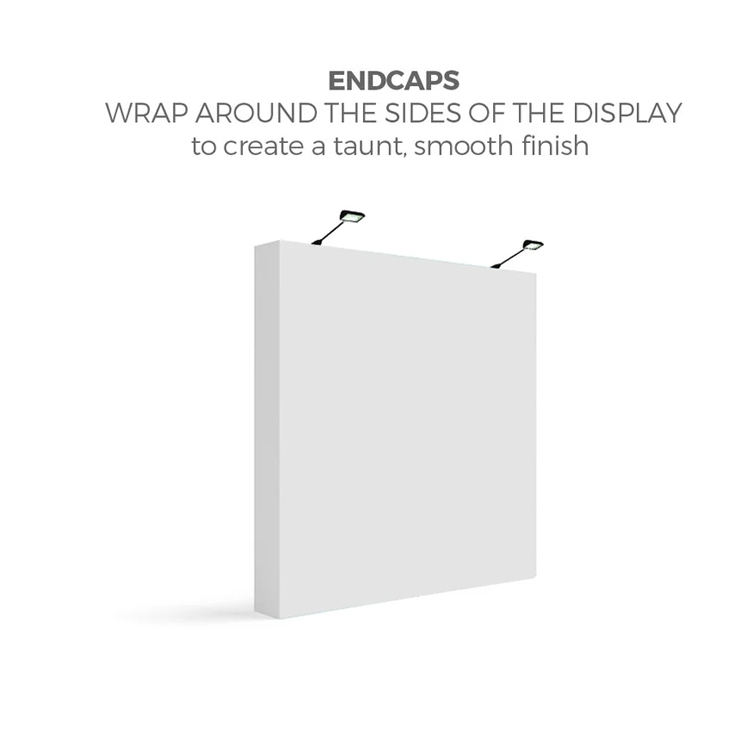
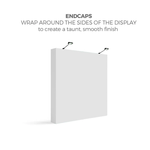
Graphics are printed in full color on the front only. Optional printed end caps cover the display’s sides; they do not add printing to the back.
Optional Accessories
Customize your order using the calculator:
- Printed end caps: Add printed side coverage for a finished appearance.
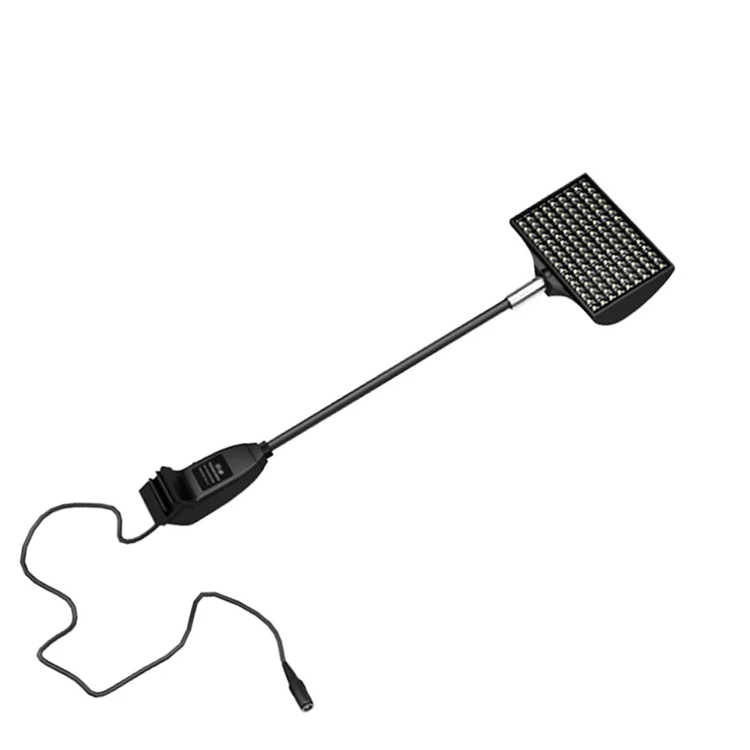
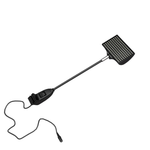
- Two LED lights: Illuminate the graphic from above.
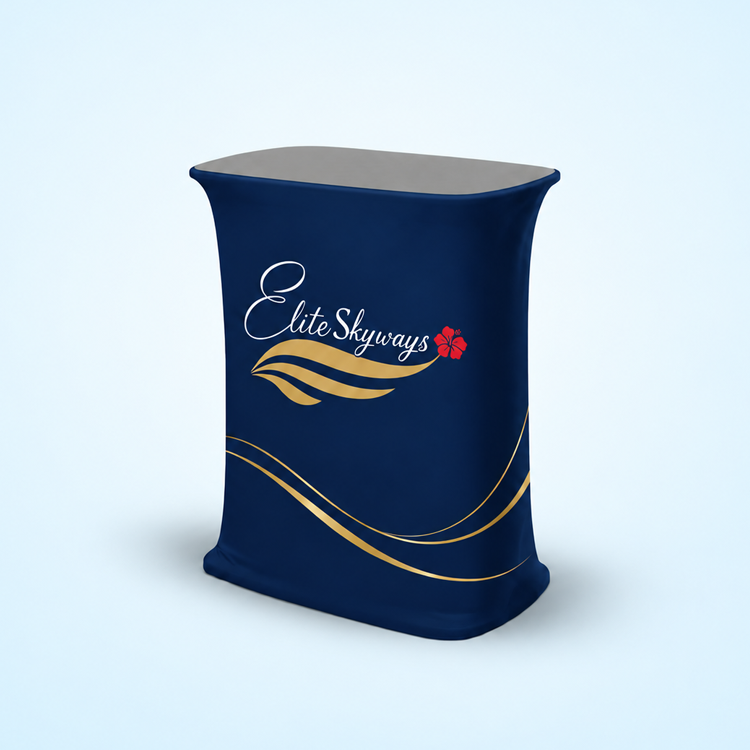
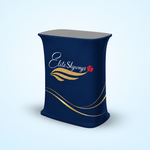
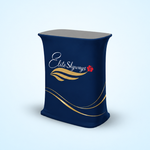
- Pop-Up Table Display: Add a coordinating counter display. Confirm package contents and artwork requirements before ordering.
Accessories are included only when selected and listed in your order.
Production and Proof Options
Choose 3 Business Days + for standard production or Next Business Day for rush production, subject to the selected configuration and availability.
Orders must be paid and submitted with usable artwork by 6:00 PM Eastern for the applicable next-business-day or standard production schedule. Orders completed after the cutoff move to the next available production schedule. Any required proof approval must also be complete.
Choose your proof option carefully:
- Print As Is: Your submitted artwork proceeds without an additional approval proof. Check all content, dimensions, and placement before submitting.
- PDF Proof — 24 Hours: Receive a PDF for review and approval before printing. Proof preparation and revisions add time before production.
Production begins once payment, usable artwork, and any required proof approval are complete. Design work, proofing, shipping, and delivery are additional to production time. Next-business-day production does not mean next-business-day delivery.
How to Order
- Select Frame + Fabric Display or Fabric Replacement Only.
- Choose the size and quantity.
- Select end caps and any accessories.
- Choose your proof and production options.
- Upload artwork prepared for the selected display.
- Select local pickup or shipping and complete checkout.
For replacement graphics, confirm frame compatibility before placing your order. For event orders, allow enough time for artwork preparation, production, and transportation to your venue.
Accepted Artwork Formats
We accept PDF, AI, EPS, PSD, TIFF, PNG, and JPG files. A print-ready PDF is preferred.
Use the template for your selected size and end-cap configuration. Prepare raster images at 100–150 DPI at final printing size, use CMYK color mode, and embed or outline fonts. Keep essential text and logos clear of the template’s finishing and safe-area boundaries.
See the Specs & Artwork Guidelines tab for detailed file-preparation instructions.
Need Help with Your Artwork?
Send your logo, text, images, and a description of the layout you need. Our design team can help create your display artwork, update an existing design, or prepare supplied files for printing.
Select “Let us Design for You” or request a quote. Design and file-preparation charges may apply, and artwork assistance adds time before production.
For help with your order, call (954) 581-9202 or email info@xpresscolor.com.
Product Specifications
| Specification | Details |
|---|---|
| Display style | Straight collapsible pop-up display |
| Graphic attachment | SEG silicone edge fitted into frame channels |
| Fabric | 8.8 oz SEG fabric |
| Printing | Full-color front printing only |
| Size options | 90 × 90 inches; 115 × 90 inches; 235 × 90 inches |
| Display height | 90 inches / 7.5 feet |
| Complete kit | Frame, printed fabric graphic, and soft carrying bag |
| Replacement-only option | Printed fabric graphic; frame and bag excluded |
| End caps | Optional printed side coverage |
| Lighting | Optional set of two LED lights |
| Counter accessory | Optional Pop-Up Table Display |
| Standard production | 3 Business Days + |
| Rush production | Next Business Day |
| Proof options | Print As Is or PDF Proof — 24 Hours |
Nominal 8 ft, 10 ft, and 20 ft names identify the display size categories. Use the selected product’s exact dimensions and artwork template when preparing your files.
Accepted Artwork Formats
PDF, AI, EPS, PSD, TIFF, PNG, and JPG.
A print-ready PDF is preferred. Embed or outline fonts and include all linked images when supplying editable artwork. Rasterizing or saving an image as a PDF does not improve its original resolution.
Artwork Size and Resolution
Use the production template for your selected size and end-cap option. Do not create artwork from the nominal display width alone.
- Prepare raster images at an effective resolution of 100–150 DPI at final printing size.
- Keep logos, text, and line artwork as vectors whenever possible.
- Prepare full-color files in CMYK.
- RGB artwork may change in appearance when converted for printing.
- If supplying artwork at a reduced scale, clearly identify the scale and maintain sufficient resolution for enlargement.
Small images, screenshots, and compressed web graphics may appear blurred or pixelated when enlarged.
Bleed, Safe Areas, and End Caps
Follow the bleed, sewing, silicone-edge, and safe-area markings on the correct production template. Do not apply a generic small-format bleed allowance to this display.
Extend backgrounds through the template’s required bleed areas. Keep essential text, logos, faces, QR codes, and contact information away from edges, corners, and finishing zones.
If printed end caps are selected, use the matching template and plan the artwork for both the front and side areas. Avoid placing important content across the front-to-side transitions.
Remove template guides and instructional layers from the final print file unless the template directs otherwise.
Replacement Graphic Compatibility
Replacement fabric is intended for a compatible SEG pop-up frame. Frames sold under the same nominal size can have different dimensions, channel profiles, and graphic requirements.
Confirm compatibility before ordering. Provide the existing frame’s manufacturer, model, dimensions, and original template when available. A replacement graphic does not include a frame or carrying bag.
Artwork for Accessories
A Pop-Up Table Display requires artwork sized for that accessory. Do not assume the main backdrop artwork will fit the counter.
Clearly label files for the main display and any separately printed accessories.
Proof Review
A PDF proof checks layout and content; it is not a physical fabric sample or a guarantee of an exact screen-to-print color match.
Check spelling, image quality, logo placement, safe areas, and end-cap coverage before approval. Review any accessory artwork separately.
With Print As Is, no additional approval proof is provided. Submit only artwork you have checked and approved for production.
Setup and Care
Expand and secure the frame according to its supplied instructions. Fit the graphic’s silicone edges into the corresponding channels, working evenly around the display without forcing the fabric.
Remove lights before packing. Follow the frame’s instructions for removing the graphic and collapsing the hardware; do not assume the graphic should remain attached during storage.
Keep the fabric clean and dry. Avoid sharp objects, abrasive cleaners, and excessive heat. Contact us for cleaning guidance before washing or treating the graphic.
Need Artwork Help?
Our design team can help arrange your logo, messaging, and images or prepare supplied files for the selected display. Select “Let us Design for You” or request a quote before ordering.
Design work, file corrections, and revisions may require additional charges and time.